Why the sheet stops working
Excel was the right call for the first few years. It cost nothing and it bent to whatever you needed. What changed is the number of people. A spreadsheet is a single-user tool, so once many people need it at once there are many copies, some of them wrong, and somebody spends the last days of every month reconciling them.
The signs are familiar. Nobody can say which file is the latest one. One report takes half a day. A formula that broke in March is found in April, when a customer forwards an invoice that was wrong.
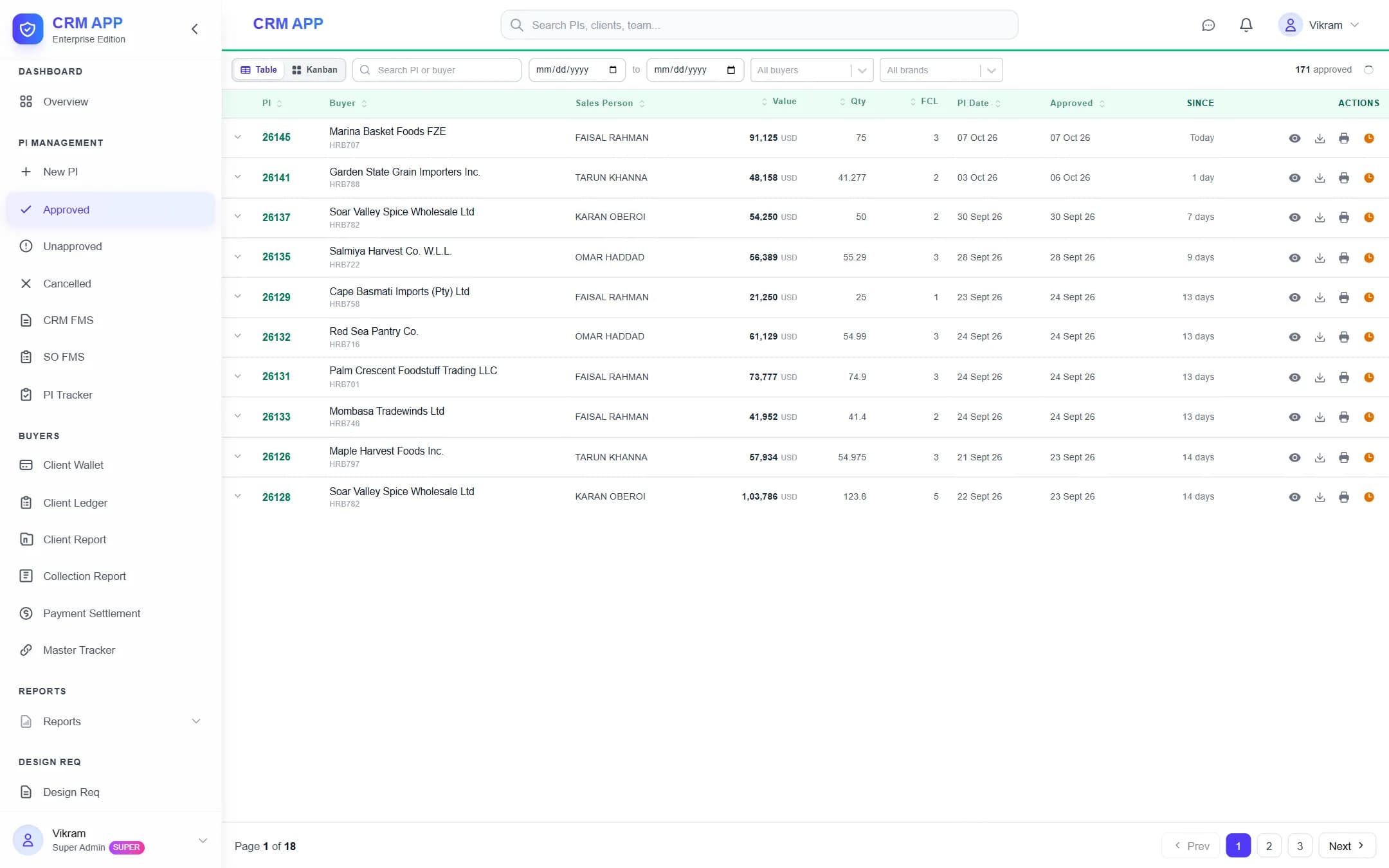
pehle yeh sab Google Sheets mein tha
What changes on day one
- Logins instead of copies: each person sees their own work, and nothing is overwritten quietly.
- Approvals are requested and recorded, with a name and a time on every change.
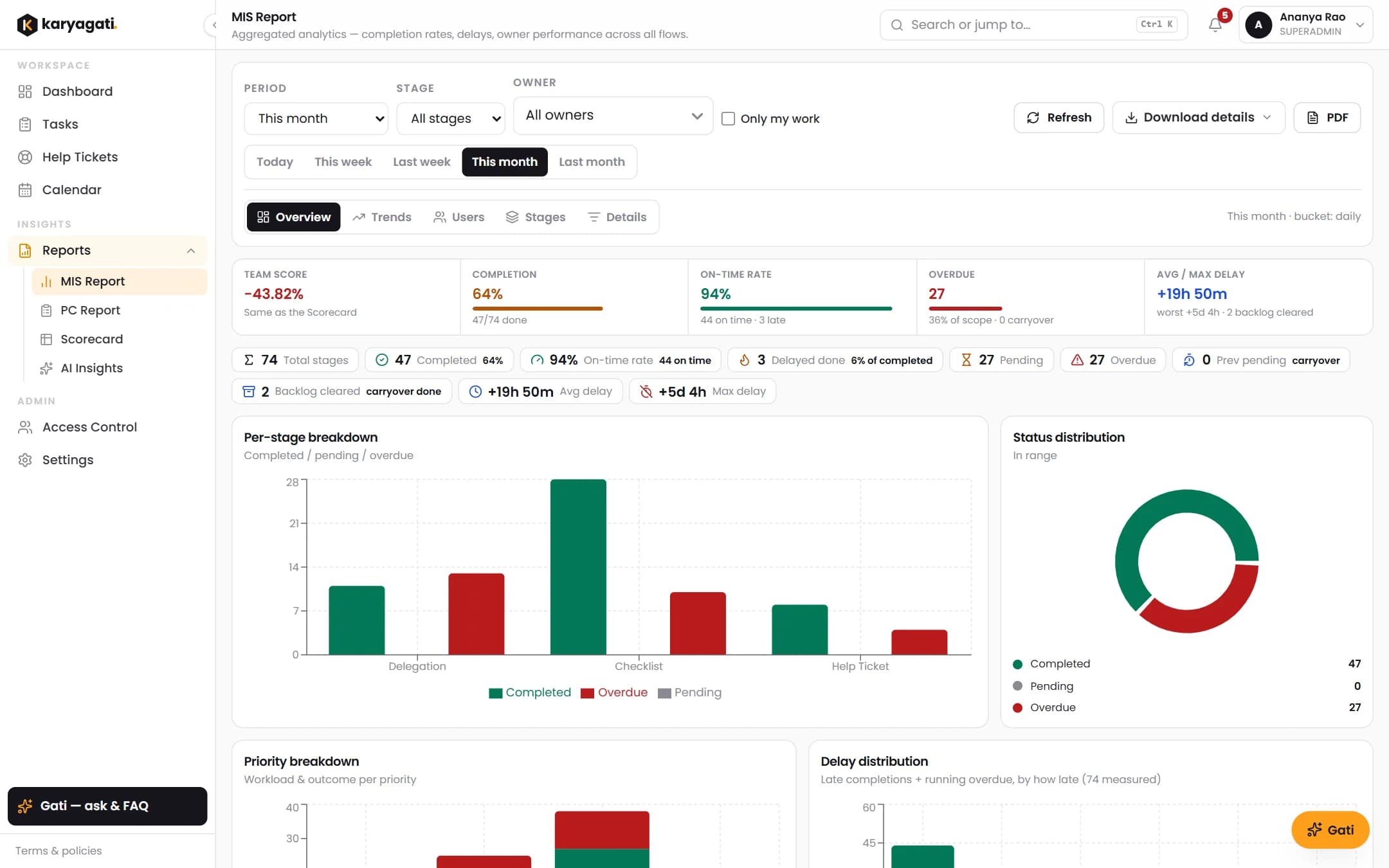
- The report that used to take a day is a button.
- Work done outside the office comes in from a phone app, the same day.
Your old data is not lost
We read your sheets first and write down the rules hiding in them in plain language: the discount a dealer gets at each volume, the credit period per customer, what a coloured row means. You correct that document, and it becomes the scope. If your process is a standard one, those rules often go into our ready HRMS, ERP or CRM instead of a fresh build.
Then the history moves across: ledgers, opening balances, closing stock, order history. We match the new system against your last closed month, and the first cycle runs in parallel, old sheet and new system side by side, so you watch the two sets of numbers agree before you trust one.
What stays the same
Your CA keeps getting Excel. Exports for Tally and GST still come out in the format they expect. If your Tally or Busy runs on cloud or on a server we can reach, we connect it directly; if it sits on one offline computer, we set up a scheduled import and export instead, and say so up front.
And the data stays yours. You can export it any time without asking us.
What it takes from you
Time with the people who actually fill the sheets, a read of the rules document, and one parallel month-end. We train the team on the screens they will use and record short walkthrough videos for new joiners. Anything reported in the first 90 days after go-live is fixed free.
On go-live the old file becomes a read-only archive. That is the deliverable: not a tidier sheet, no sheet.